![Shaper-KB-Logo.svg]](https://support.shapertools.com/hubfs/Shaper-KB-Logo.svg)
This feature will create a link to share the design with other users. When selected, a new page will open with some options:
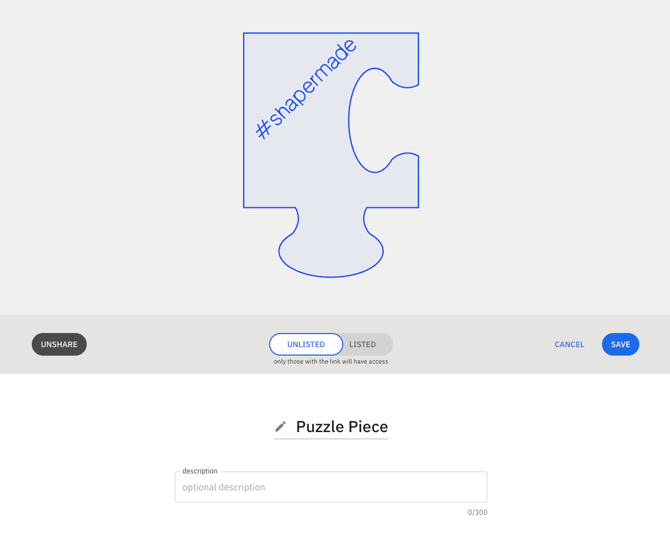 A design can be shared Listed or Unlisted (Unlisted by default). Sharing a Listed design will make the design available on ShaperHub, Unlisted will require others to have the Share URL to access the design.
The name of the design can be updated and a description added. To Unshare the design, click "Share Design" in the Main Menu again and use the button on the left-hand side.
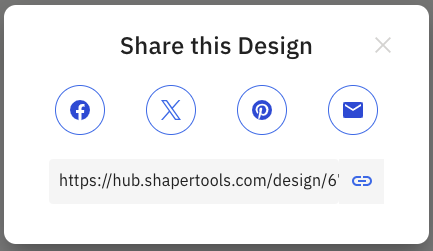
When ready, click Save. This dialog will pop up giving you the URL to share and options to send the shared file via social media or email: