![Shaper-KB-Logo.svg]](https://support.shapertools.com/hubfs/Shaper-KB-Logo.svg)
Studio’s Box Joint Basic allows for quick and simple Box Joint patterns similar to the feature on Origin. If you want to setup a more complex pattern use Box Joint Pro.
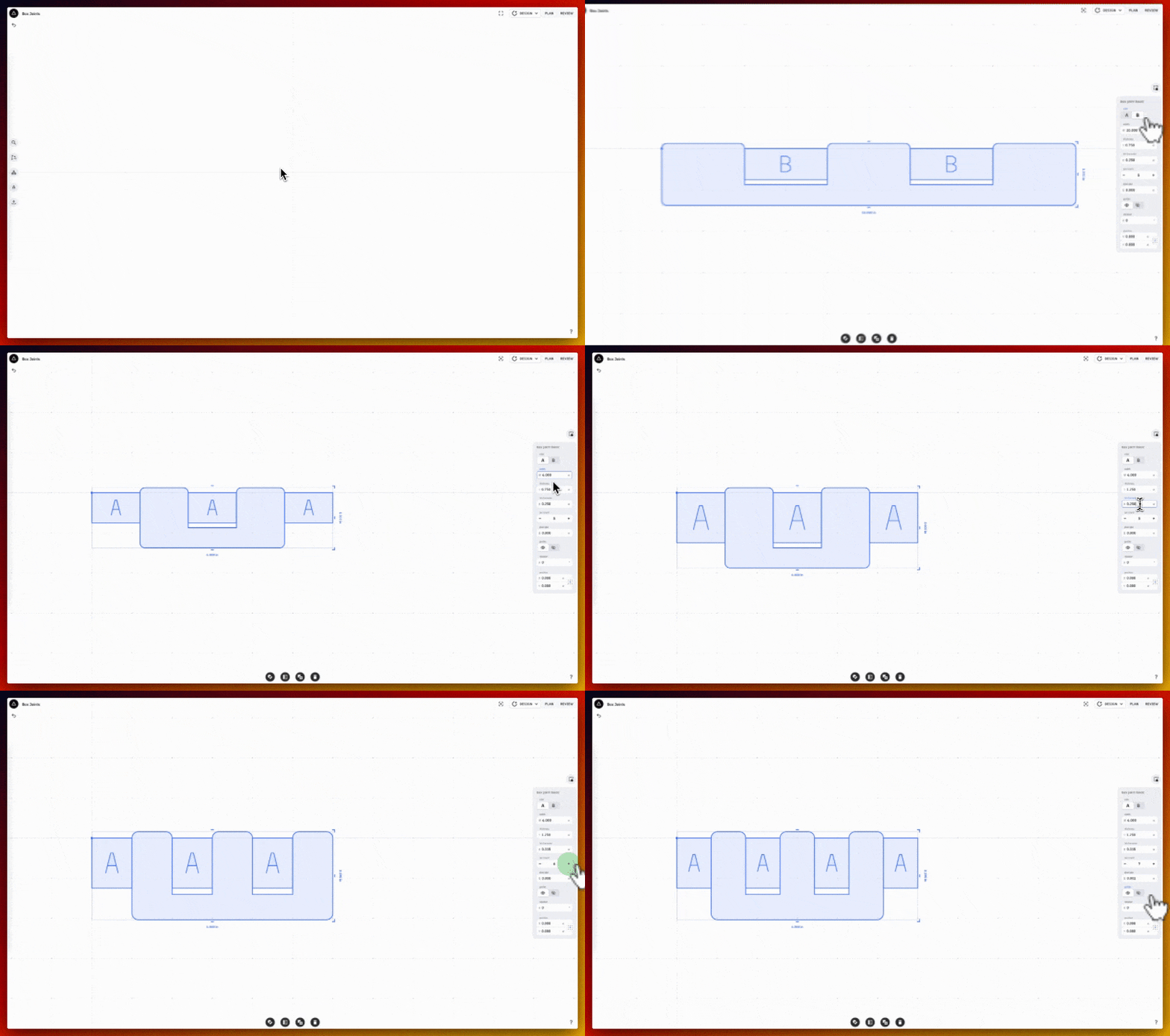
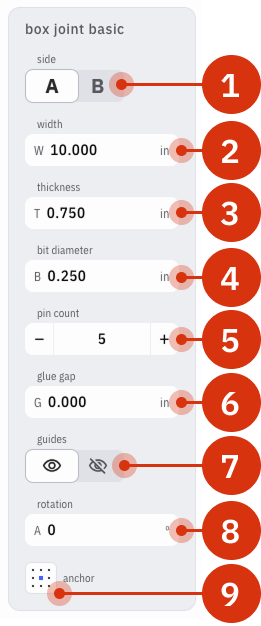
Box Joint Basic Options
Note: unlike Origin’s Box Joint Basic feature there is no encoded depth to a Box Joint Basic pattern in Studio. Encoded depths can be setup manually in Plan Mode.
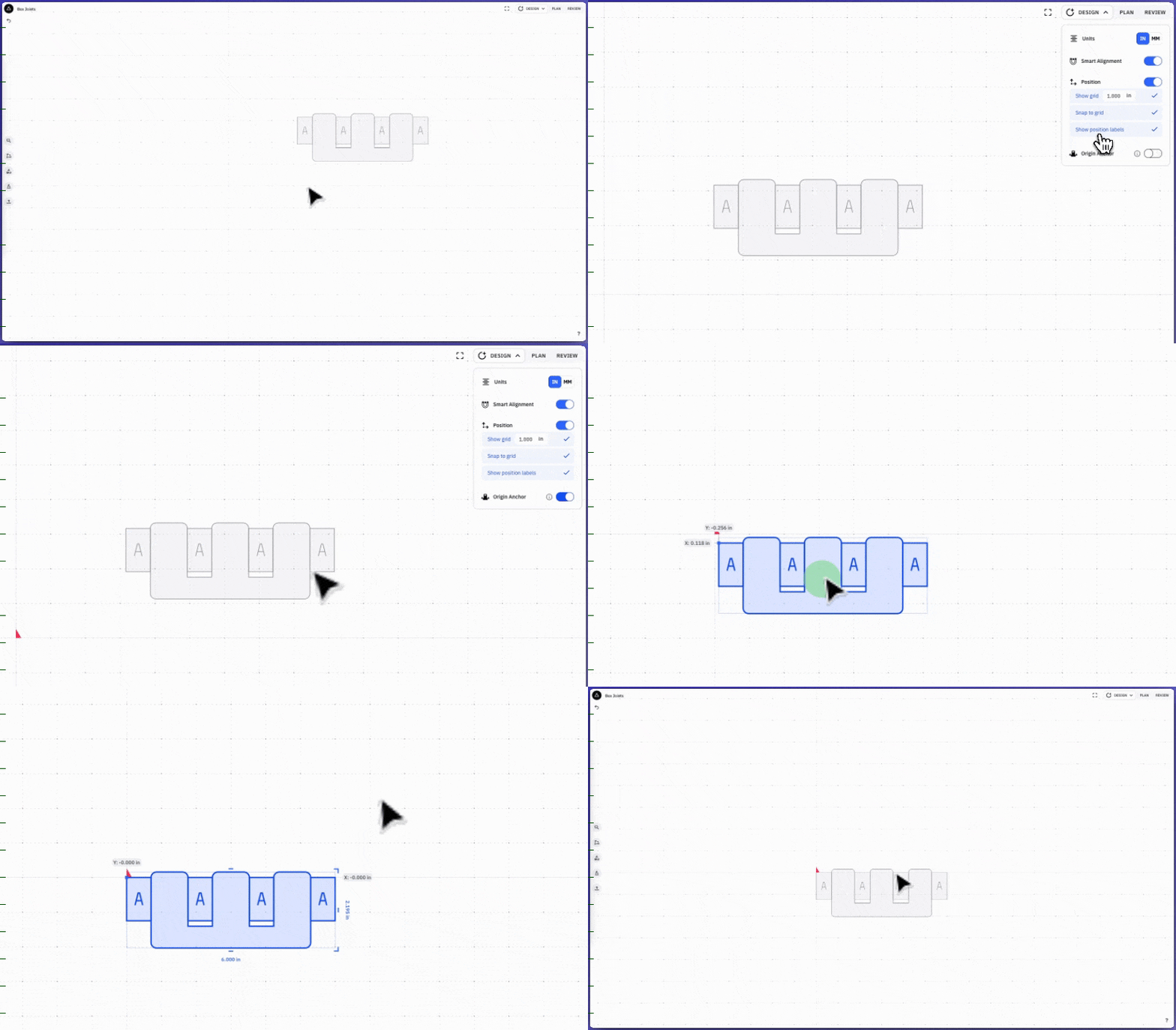
Once the Box Joint pattern is created move it according to the Origin Anchor in Studio to ensure accurate placement on Origin:
When the pattern is initially placed it will automatically setup to cut the A-pins. To cut the B-pins choose B in the Edit Selection Menu on the right (see above for visual) and re-import the design on Origin.
Always Import both the A and B pattern to the 0,0 point on Origin’s Grid.