![Shaper-KB-Logo.svg]](https://support.shapertools.com/hubfs/Shaper-KB-Logo.svg)
Starting with version V25, PYTHA’s CAD software allows you to generate an Origin-specific SVG file directly. Simply follow these steps:
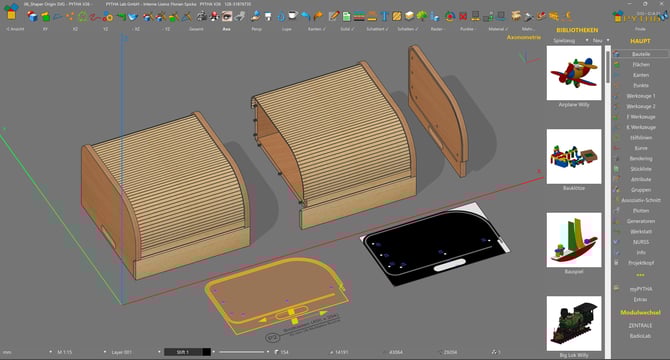
After designing the object, machining operations such as outer contouring, inner contouring, pocket milling, and drilling are assigned either manually or automatically. This process is extensively documented within PYTHA.
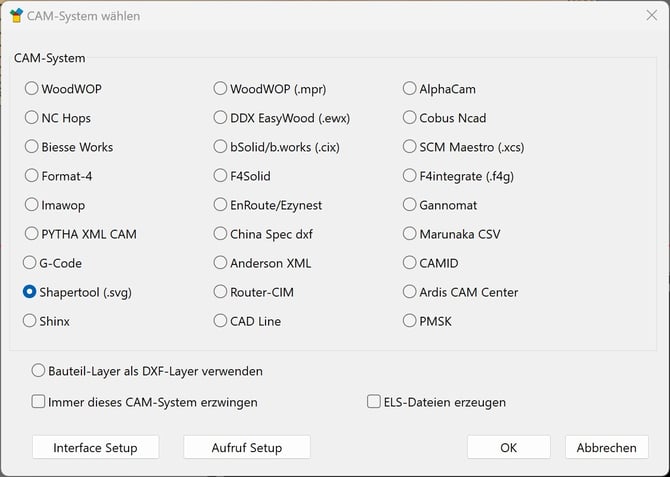
Next, select ShaperTool (.svg) as the CNC output format in the export options.
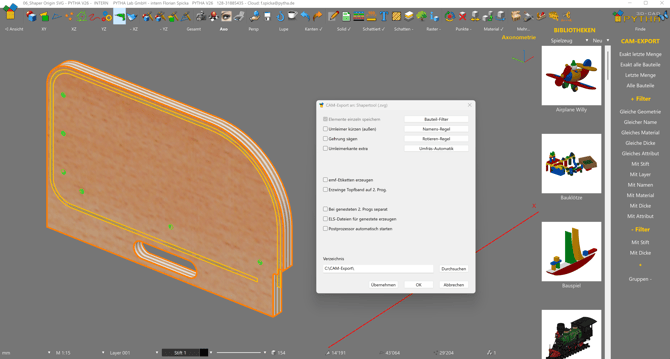
This will open the export dialog (PYTHA Workshop CAM Export), where you can choose the desired paths and export the part.
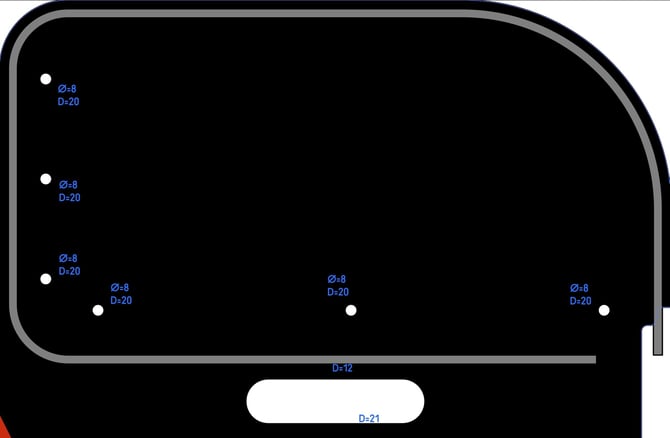
As a result, you will obtain an SVG file like this.
For further detailed questions about PYTHA, the PYTHA support team will be happy to help.
https://www.pytha.com/contact