![Shaper-KB-Logo.svg]](https://support.shapertools.com/hubfs/Shaper-KB-Logo.svg)
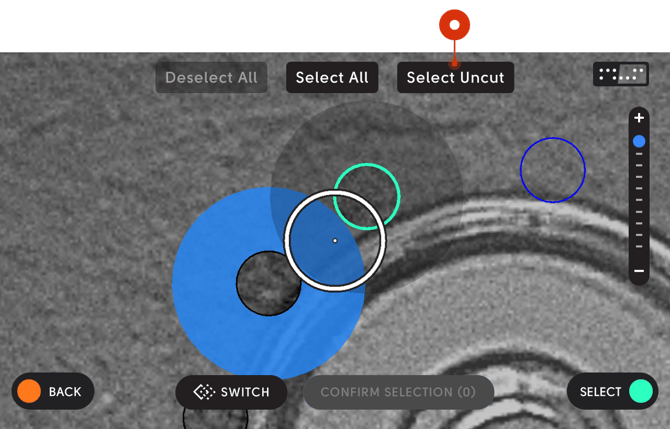 If some cuts have already been made you can quickly adjust your selection only to paths that have not yet been cut by using Select Uncut. This uses the cut history present in the workspace to only select paths that have not yet been cut. If the Cut History is cleared it may not function as desired.
Select Uncut only appears if there are lines that both have and don’t have cut history associated with them.